

Nvelop AcademyUsing Nvelop · Module 8 of 9
Every Vendor Conversation, One Place
Keep every vendor conversation in one place with Nvelop's Messages tab - searchable, auditable, and tied to the project.
CoversCentralized messagingProject-attached commsAudit trail
Quick Answer
The Messages tab is the secure vendor communication centre - conversations are listed on the left, with a thread view on the right, all tied to the project rather than scattered across inboxes.
5 min read·Beginner·Module 8 of 9
Module 8 of 9 - Using Nvelop
The Messages tab
What this module covers
The Messages tab - described in-product as the secure vendor communication centre. Every vendor discussion is centralized here rather than scattered across email, attached to the project it belongs to.
Why this matters
Centralized messaging is also a compliance and audit asset - if a decision is ever questioned, the full communication history with a vendor is already organized and attached to the record, not buried in someone's inbox.
Step by step
Secure, centralized vendor comms
Step 1 of 3
The Messages tab
Go to Messages - the secure vendor communication centre.
2
Step 2 of 3
Conversation thread view
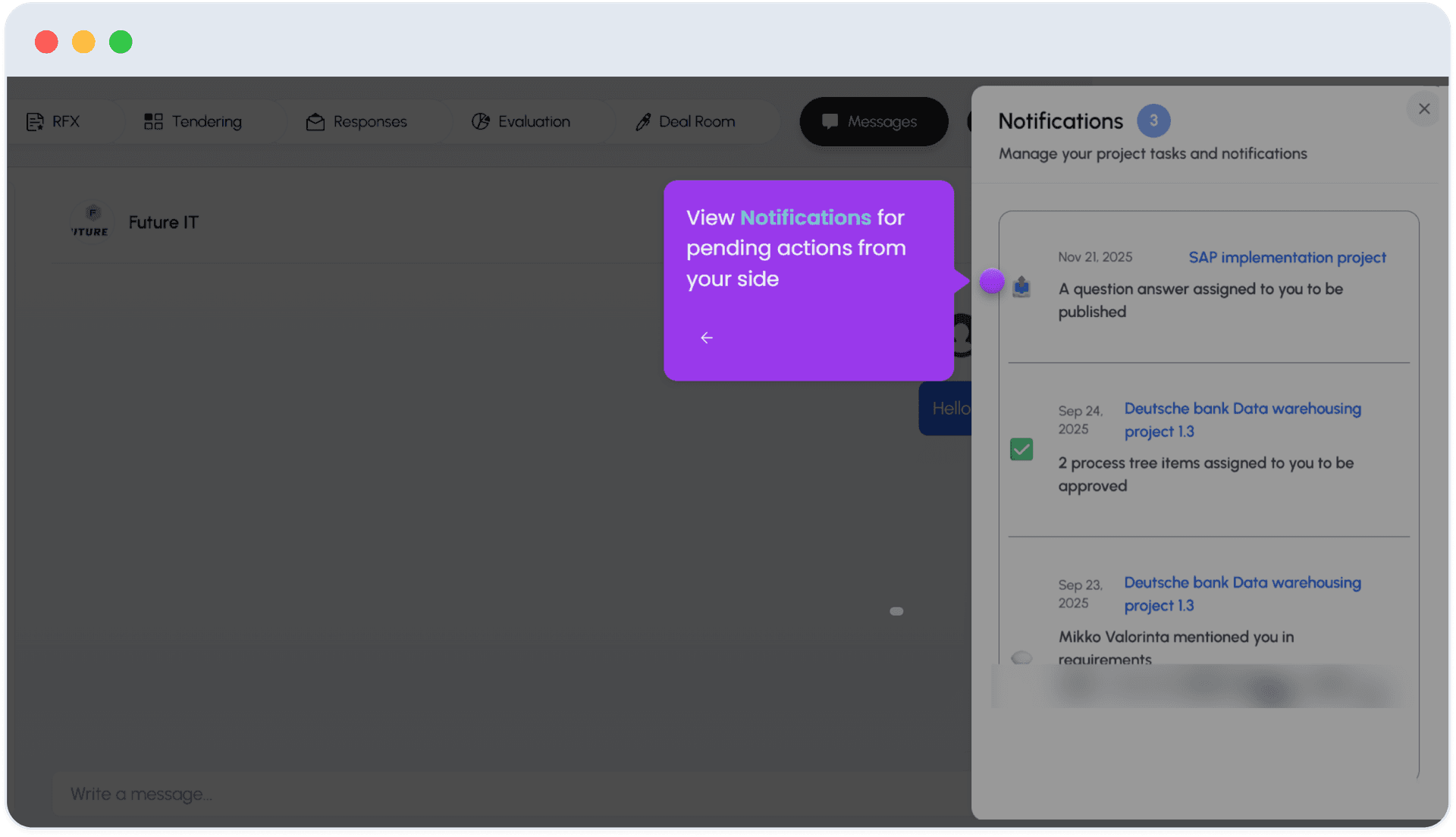
Conversations are listed on the left; select one to see the thread.
3
Step 3 of 3
Centralized, not email
Every discussion is kept centralized here rather than in email, tied to the specific project it belongs to.
FAQ
Common questions
1Why use Messages instead of email?+
It keeps every vendor conversation centralized and tied to the project record - searchable, auditable, and visible to the whole team working on that sourcing event.
See Nvelop in action
Walk through the full sourcing lifecycle live with a product specialist.